Gemini’s Nano Banana AI saree trend goes viral — what it is and how to try it
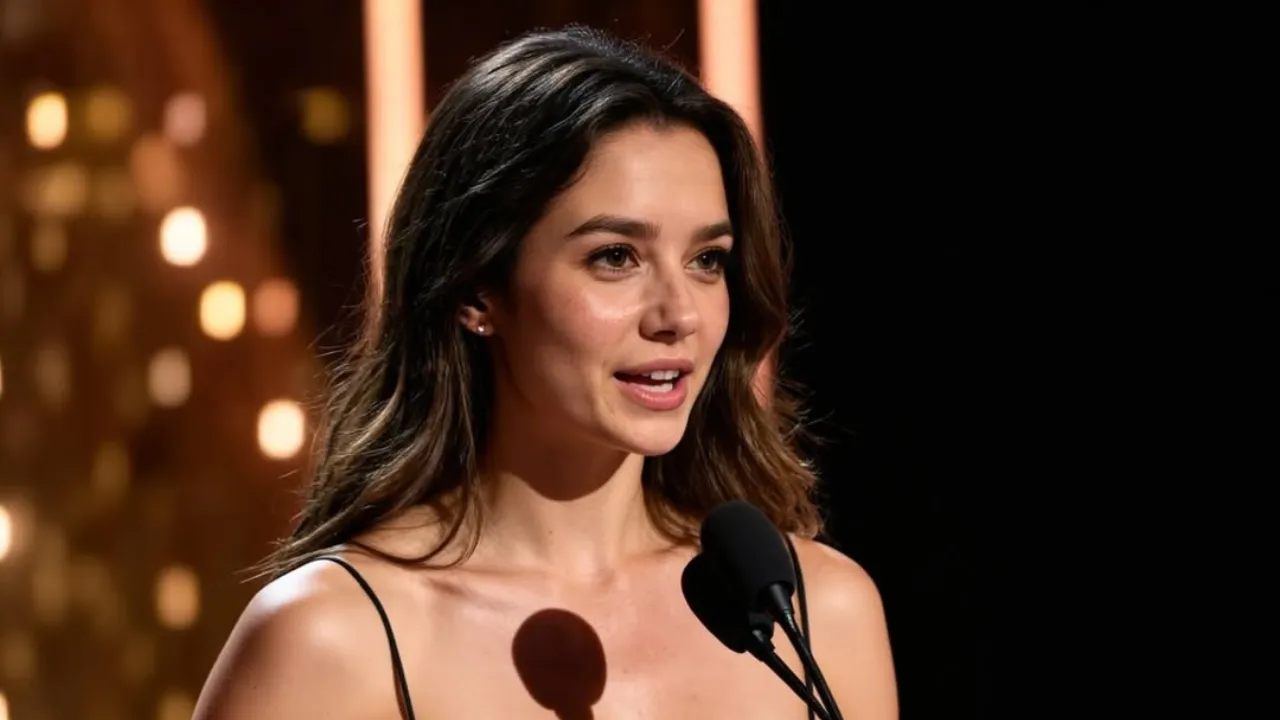
The latest Instagram craze blends nostalgia, fashion and AI: retro saree edits made with Google’s Nano Banana AI tool inside the Gemini app have spread across feeds, bringing 1990s Bollywood-style portraits and dreamy chiffon drapes back into the spotlight. Creators are using short prompts to convert ordinary selfies into cinematic, grainy posters that look staged, polished and unmistakably vintage.
What is Nano Banana AI and why it matters
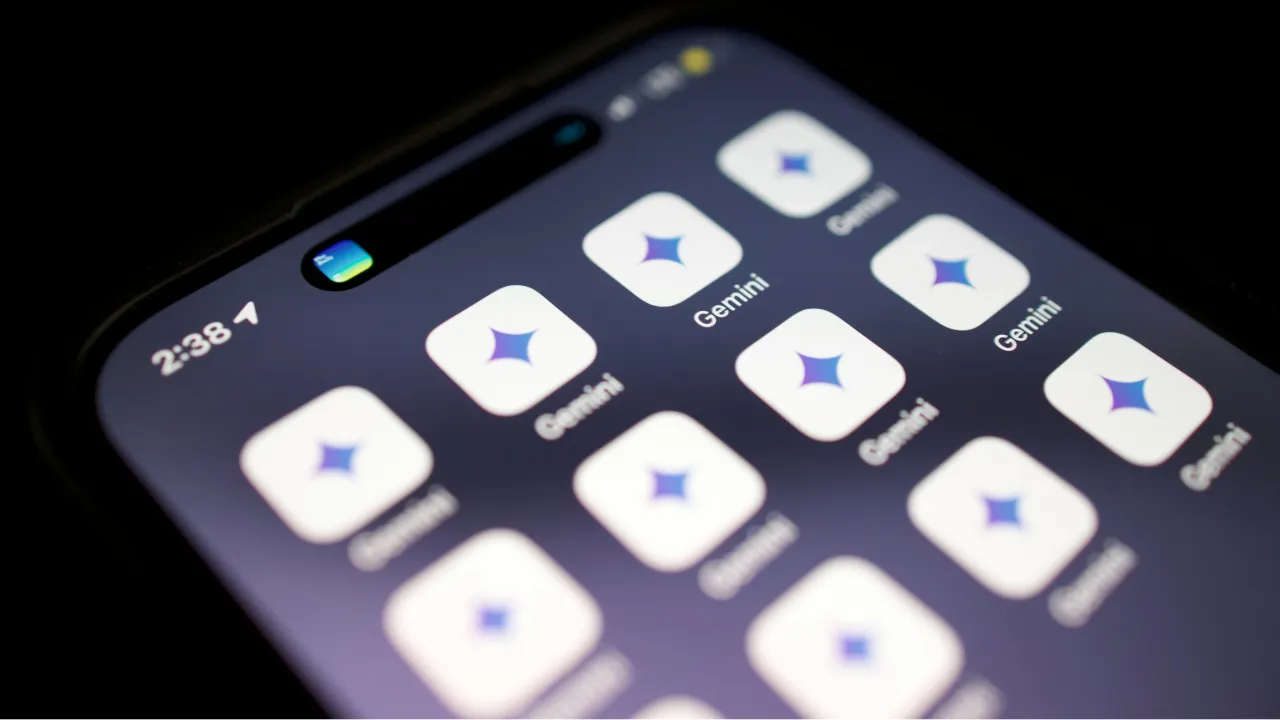
Nano Banana AI is an image-editing and generation feature bundled with Google’s Gemini image tools. It’s designed to let users transform uploaded photos quickly into stylized images — anything from collectible figurines to decade-specific portraits. Gemini’s official documentation highlights Nano Banana as an easy, creativity-focused tool for instant edits and themed transformations. That ease-of-use is a big reason the saree edits have taken off.
How Nano Banana AI changed people’s feeds
Within days of the feature’s wider rollout, multiple outlets reported a wave of “vintage saree” edits appearing on Instagram and other platforms. Creators combined the tool’s retro lighting and texture presets with tailored prompts (often refined via ChatGPT or shared prompt lists) to produce a consistent aesthetic: soft golden hour lighting, translucent fabrics, subtle grain and poster-style composition. The trend spread especially fast in South Asian communities, where the saree’s cultural resonance paired naturally with nostalgic visuals.
How to create a Nano Banana AI saree edit (step-by-step)
If you want to try the Nano Banana AI saree look yourself, here’s a practical, safe workflow that gives predictable, high-quality results.
Step 1 — Start with a clear, well-lit photo
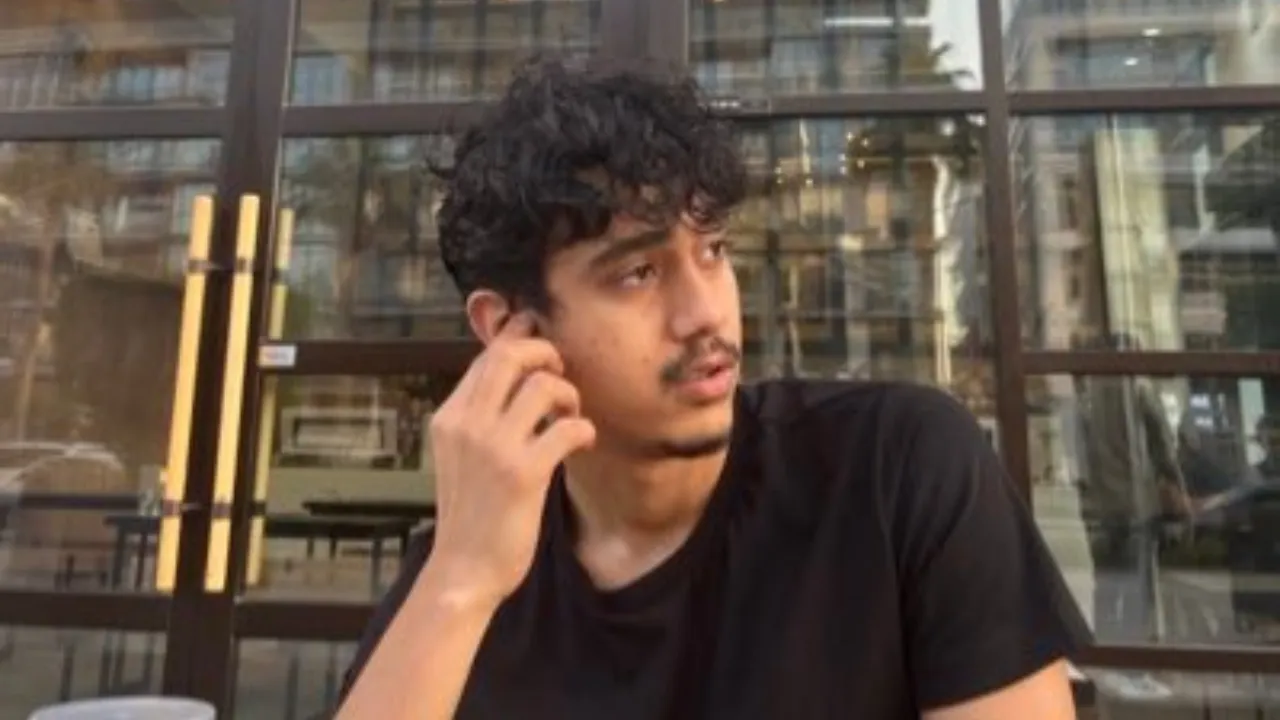
Choose a selfie or portrait with a clean background and good face visibility. Nano Banana works better when the subject is well framed and sharply in focus.
Step 2 — Open Gemini and pick Nano Banana
Upload your photo to the Gemini app and select the Nano Banana image editing template or mode. The interface guides you through style choices; select a retro or cinematic preset if available.
Step 3 — Use a focused prompt
Prompt wording matters. Try prompts that combine era, fabric, and mood. Example:
“Turn this photo into a 1990s Bollywood-style poster: chiffon saree blowing in the wind, golden-hour lighting, soft grain, cinematic vignette, warm color grading.”
Refine the prompt if the first result isn’t right—add details like color, embroidery, or background setting. News guides that collected viral prompts can be a helpful starting point.
Step 4 — Tweak edits, respect likeness
Use the app’s sliders to adjust lighting, texture and background. If Nano Banana offers options to preserve facial features, enable them to avoid uncanny results. When satisfied, export the image and, if you’ll post it publicly, tag it clearly as AI-generated where required by platform policies or your own transparency preferences.
Prompt ideas to get the “saree” vibe
- “Vintage Bollywood poster: woman in a red chiffon saree with golden border, soft grain, dramatic backlight.”
- “1990s studio portrait: black polka-dot saree, slight breeze, warm film tones, soft film grain.”
- “Traditional Kolkata saree look at dusk, temple lights in the background, cinematic framing, subtle sepia.”
Use shorter or longer prompts depending on how much control you want. Many creators combine Nano Banana with a second pass of cleanup or color correction in editing apps for a final polish.
Safety, ethics and platform rules to remember
Google states that Gemini marks or watermarks AI images and applies safety checks consistent with its AI Principles. That helps audiences identify AI-created visuals and reduces the risk of misrepresentation. If you’re editing images of other people, obtain consent; if you’re posting public images that mimic real public figures or copyrighted characters, be mindful of platform rules and local law. Transparency — adding captions like “AI-edited with Nano Banana” — is good practice and aligns with platform norms.
Why this trend matters beyond aesthetics
On the surface, Nano Banana AI saree edits are a fun, creative filter. But they also illustrate broader shifts: AI tools are lowering the barrier to stylized portraiture; cultural aesthetics can be remixed rapidly across geographies; and social media cycles can amplify a niche idea into a mainstream visual language in days. For influencers, small businesses and photographers, Nano Banana offers a quick way to prototype looks, promote festive collections, or create eye-catching promotional visuals without complex studio setups. Several news reports link the feature’s popularity to Gemini’s recent surge in app rankings, showing how a single viral use case can affect product traction.
Practical tips for creators and brands
- Use consented images: avoid editing photos of strangers without permission.
- Keep outputs authentic: choose fabric textures and colors that reflect real saree materials to avoid cultural missteps.
- Combine with real styling: use Nano Banana results as mood boards for actual outfits or shoots.
- Disclose AI use: this builds trust and prevents confusion among followers.
Final thoughts: Nano Banana AI and the future of digital fashion
The Nano Banana AI saree trend is more than a moment — it’s a case study in how accessible image AI can reframe cultural motifs for a new generation online. By combining clear prompts, respect for subjects, and ethical posting practices, creators can use this tool to experiment responsibly and creatively. Whether you’re making a festive Navratri moodboard, promoting a boutique saree line, or just having fun with vintage glamour, Nano Banana gives you a fast, playful way to explore a retro aesthetic. Just remember: strong prompts, good source photos, and transparent sharing make the difference between a viral edit and an ethical one.
Also Read: Karishma Sharma Jumps Off Train—Head Injury, MRI Scare!