Aadhaar Card Holders Can Update Phone Numbers Anytime, Anywhere: UIDAI
Keeping your Aadhaar Card details up to date is essential in today’s digital age. Your mobile number linked with your Aadhaar plays a key role in authentication for banking services, government schemes, tax filings, OTP-based logins, and more. Recognizing this importance, the Unique Identification Authority of India (UIDAI) is making it easier than ever for Aadhaar holders to update their mobile numbers from anywhere, at any time. This article explains what’s new, how the process works, and how you can benefit.
Why Updating Your Aadhaar Card Phone Number Matters
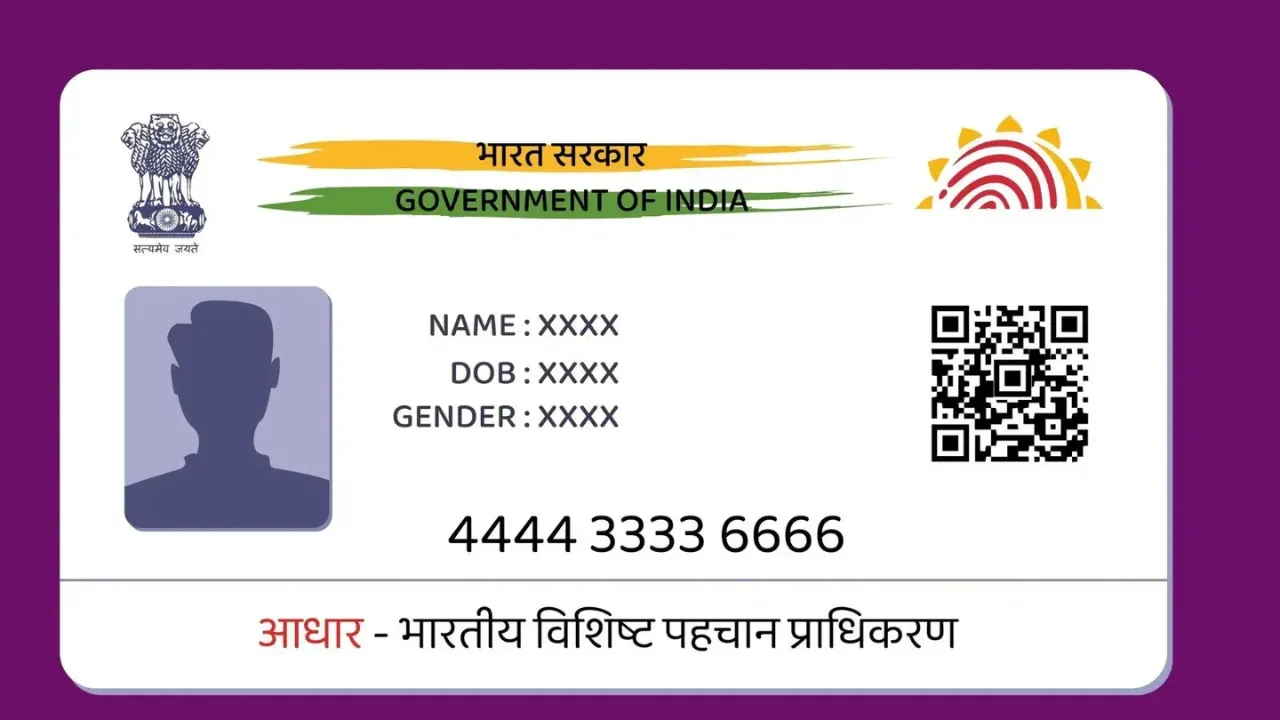
Your Aadhaar Card is more than just a government identity document — it’s a gateway to essential services across India. A registered mobile number plays a critical role in that ecosystem:
- It ensures you receive one-time passwords (OTPs) for Aadhaar authentication.
- It keeps your Aadhaar-linked services secure and accessible.
- Banks, government portals, and digital platforms often require OTP verification tied to your Aadhaar mobile number.
If your mobile number changes and you don’t update it with your Aadhaar, you could miss important alerts or fail authentication at critical moments. So keeping your mobile number current is not just recommended — it’s necessary for seamless digital interaction in India.
What’s New: Anytime, Anywhere Phone Updates
UIDAI’s Latest Digital Update Feature
Until recently, updating the registered phone number in your Aadhaar Card always required a visit to an Aadhaar Seva Kendra or enrolment centre for biometric verification. This meant scheduling appointments, possible waiting time, and physical travel.
But UIDAI has now introduced an updated approach that allows Aadhaar holders to change or update their mobile numbers anytime and anywhere using the new Aadhaar app. This move reflects UIDAI’s focus on convenience and expanded digital access for millions of users.
Here’s what this change means:
- Aadhaar holders can update their phone numbers directly through the official UIDAI app.
- The update process can be completed from your smartphone — no more queues or centre visits for this task.
- You still need to prove your identity using secure verification methods such as OTP and face authentication.
This flexibility enhances user experience and brings Aadhaar services closer to users’ daily lives.
How the New Phone Update Process Works
Step-by-Step: Mobile Number Update via Aadhaar App
The updated process is designed to be simple and secure. Here’s how it typically works:
- Download and Install the official Aadhaar app from the Google Play Store or Apple App Store.
- Open the App and log in using your Aadhaar number.
- Verify Your Identity by entering the OTP sent to your old registered mobile number.
- Choose “Update Mobile Number” from the services menu.
- Enter Your New Mobile Number and confirm it.
- Authenticate Using Face Recognition through the app.
- Submit and Confirm your request. The new number will be updated after verification.
This process allows Aadhaar holders to update their phone number from home, office, or anywhere with internet access — a significant improvement in user convenience.
What You Need to Know Before Updating
Requirements for Updating Your Aadhaar Mobile Number
Although the process has gone digital, a few conditions still apply:
- You must have access to your old registered mobile number to receive the verification OTP.
- Face authentication through the Aadhaar app is required as part of the secure verification process.
- If you do not have access to the old number, you may still need to visit an Aadhaar Seva Kendra for in-person verification.
Update Fees and Timeline
Official guidance suggests there may be a nominal fee for updating your Aadhaar mobile number. While older practices charged around Rs 50, recent reports indicate potential revisions and digital charges may apply — such as Rs 75 for app-based updates, though this can vary depending on the service format.
Once you submit the update request via the app, the updated mobile number generally reflects in UIDAI’s database within approximately 30 days. You should receive a confirmation SMS or notification on the updated mobile number once the change is successfully processed.
Benefits of Anytime Mobile Number Updates
Convenience and Flexibility
The new feature brings several clear advantages:
- No Need for Centre Visits: You no longer need to travel to an Aadhaar enrolment centre for this update alone.
- Reduced Waiting Times: App-based updates remove queues and appointment hassles.
- Anywhere Access: As long as you have your smartphone and internet, you can update your phone number from any location.
- Enhanced Usage: With an updated number, your Aadhaar OTP services and related applications stay connected and secure.
Improved Security
UIDAI’s verification approach — combining OTP with facial authentication — helps prevent unauthorized updates, reducing risks of misuse while ensuring that the Aadhaar holder’s identity is securely validated.
What Happens If You Don’t Update Your Aadhaar Mobile Number?
Failing to update your Aadhaar Card phone number can lead to various inconveniences:
- You might miss OTPs needed for bank transactions, tax filings, or eSign processes.
- Your Aadhaar-linked apps and government services could stop functioning properly.
- Old or inactive numbers increase the risk of authentication failures at critical moments.
To avoid such problems, it’s best to update your mobile number promptly once it changes.
Final Thoughts
The introduction of anytime, anywhere mobile number updates is a major step forward in making Aadhaar more accessible and user-friendly. It reflects UIDAI’s commitment to modernizing the Aadhaar ecosystem and reducing barriers for users. Whether you’re updating due to a new SIM, network change, or personal preference, the simplified process provides convenience and keeps your Aadhar Card relevant for all digital services.
Staying updated with your Aadhaar details ensures seamless access to essential services — and now, with the new digital option, that update has never been easier.
If you haven’t updated your mobile number yet, now’s the time to take advantage of this user-centric feature and keep your Aadhaar connected to your daily digital life.
Also Read: Bedtime Yoga Secrets for Deep Sleep! – Logic Matters